Address
985, Ground Floor, Gita Apartment
Garia Station Road, Kolkata- 700 084
Kolkata

985, Ground Floor, Gita Apartment
Garia Station Road, Kolkata- 700 084
Kolkata

We evaluated Joker Pyre Slot extensively on the technical side so you get smooth reels every spin. This guide details browsers, devices, and the hardware and network specs that maintain game performance without stutters or crashes. It runs right in your browser, no download needed, but being aware of these specs lets you prevent unexpected disruptions and enjoy the vivid graphics, audio, and bonus rounds.
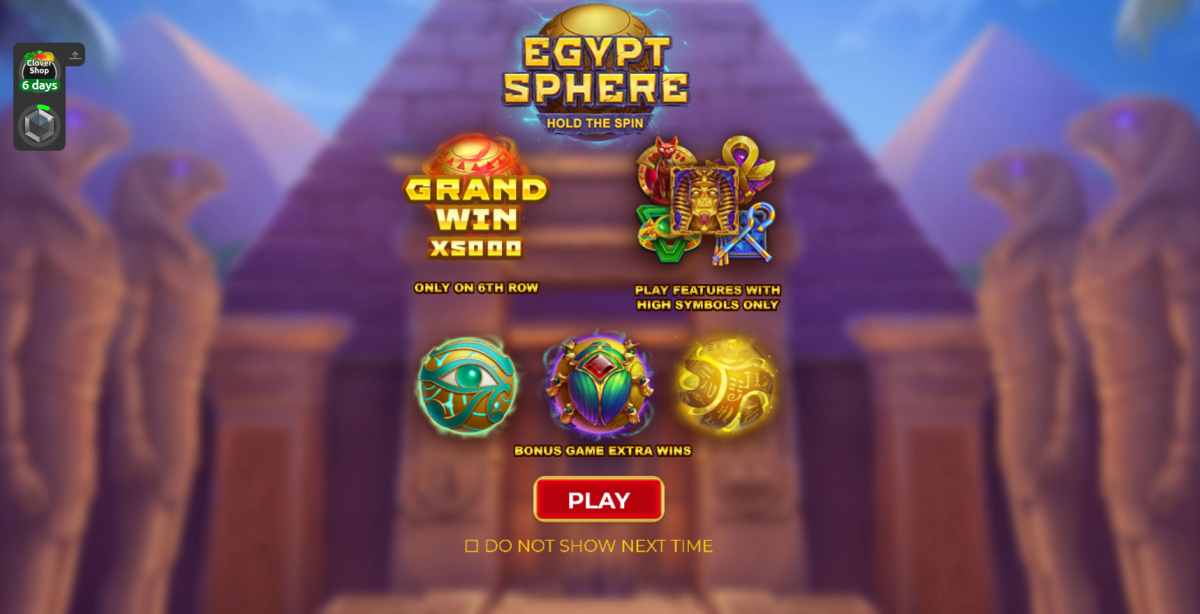
Contemporary slot games like Joker Pyre depend on HTML5 and WebGL to render animations, so your browser’s engine directly influences performance. We observed that even a slightly outdated version can cause slow reel spins or missing symbols. Confirming your setup ahead of time minimizes loading delays and ensures the random number generator, audio cues, and bet adjustments operate reliably during casual spins and longer sessions alike.
Players often neglect system-level factors, but our tests indicated that background apps, power-saving modes, and cookie restrictions can silently disrupt gameplay. A quick compatibility check before you bet keeps technical glitches from eating your balance and retains the complete visual quality the developer intended.
The game engine operates with scripts, so JavaScript has to be on. If you encounter a blank page or a notification to enable scripts, just adjust your site permissions. A standard setup with JavaScript on, first-party cookies allowed, and pop-ups enabled for the casino domain gets the whole experience working reliably.
Privacy extensions and strict modes can sometimes block the game’s connection. If the reels fail to load, try disabling ad blockers for a moment or including the site to your exceptions list. It is a tiny change that doesn’t hurt security and fixed almost every white screen we encountered during testing.
We ran Joker Pyre Slot on a range of desktop systems common in Canada. The game was smooth on up-to-date major browsers; older builds sometimes presented minor graphical hiccups. Maintain your browser on the latest stable release for the optimal ride. These browsers offered responsive controls and crisp graphics in our tests.
Windows 10 or newer, macOS 11 Big Sur and up, and ChromeOS versions from 2021 onward all executed the game without a hitch. Linux distros with current Firefox or Chrome builds can run it too, though we would stay with officially supported setups when real money is on the table.
Joker Pyre Slot uses hardware-accelerated WebGL for its animated joker symbols and blazing backdrops. Any GPU, dedicated or integrated, from the last five years should work well. Even older laptops with Intel HD Graphics 520 achieved a steady 30 fps in our tests, as long as nothing memory-hungry was running alongside.
Shut extra browser tabs and background apps before you start, especially if your machine has 4 GB of RAM or less. That releases memory and stops the tab from crashing mid-session. Configuring your power plan to high performance will also keep the system from dialing back the GPU during longer sessions.
Since Joker Pyre Slot runs entirely online, your connection determines how fast the reels react. A stable link at 5 Mbps download kept latency below 100 ms in our tests, which is sufficient for base spins. During free spin rounds or jackpot triggers, any packet loss can pause the screen for a moment.
Stick to a solid home Wi‑Fi signal or a dependable 4G/5G mobile data connection. Public or throttled hotspots can drop you at a bad moment. The game does not use up data like streaming, but it demands a steady link to confirm each spin and update your balance instantly. check the guide
We tested a mix of phones and tablets popular in Ontario, BC, and Quebec jokerpyrecasino.com. The game scaled nicely across screen sizes, from an iPhone SE to big Android phablets. Taps registered immediately, and the spin button, autoplay toggle, and paytable menus remained fully visible as long as the screen was at least 320 CSS pixels wide.
Opt for iOS 14 or later on Apple devices and Android 10 or newer on Google-powered phones. Older OS versions can load the lobby, but we observed some frame drops when features activated. Tablets feel especially comfortable, because landscape mode enlarges the playing field and keeps bet buttons right under your thumbs.
Even with a proper setup, small glitches can appear. Our testing revealed a number of recurring snags and straightforward fixes. Follow these steps before accusing the game, since the problem is often a stale cache or a waiting browser update that just requires a restart.
After these fixes, loading times decreased and visual glitches cleared on every test machine we used. If the issue lingers, changing to a different browser from our recommended list often offers you a quick fallback and puts you back to spinning without delay. We also found that a fresh browser profile clears up most stubborn loading failures.
Absolutely, we played it on an iPad Air and iPad Pro with iPadOS 14 and higher. The layout matches the touchscreen nicely, and every button responds without zooming. Safari provides the smoothest ride, but Chrome for iPad also worked well. Just verify that Private Relay or content blockers are not blocking the scripts.
Usually the bottleneck is not the browser, it is insufficient free RAM or an old integrated GPU driver. We have noticed slowdowns when too many tabs fight for memory. Shut other apps and switch to a light theme; that reduced input lag for us. Enabling hardware acceleration in the browser settings also helps push rendering to the GPU.
No downloads, no Flash, no Java. complete guide Everything works on the native web tech integrated into modern browsers. That is a benefit, because it maintains your device safe from extra installers and allows you start playing seconds after the page loads, with no configuration issues.
Sure, we ran it on Ubuntu 22.04 with Firefox and Chrome, and on a Chromebook with ChromeOS 96. Performance was equal to Windows, as long as WebGL was turned on. It may not be on every official compatibility list, but Linux and ChromeOS users enjoy the same rich visuals and responsive controls with an modern browser.
November 24, 2026
November 22, 2026
November 21, 2026